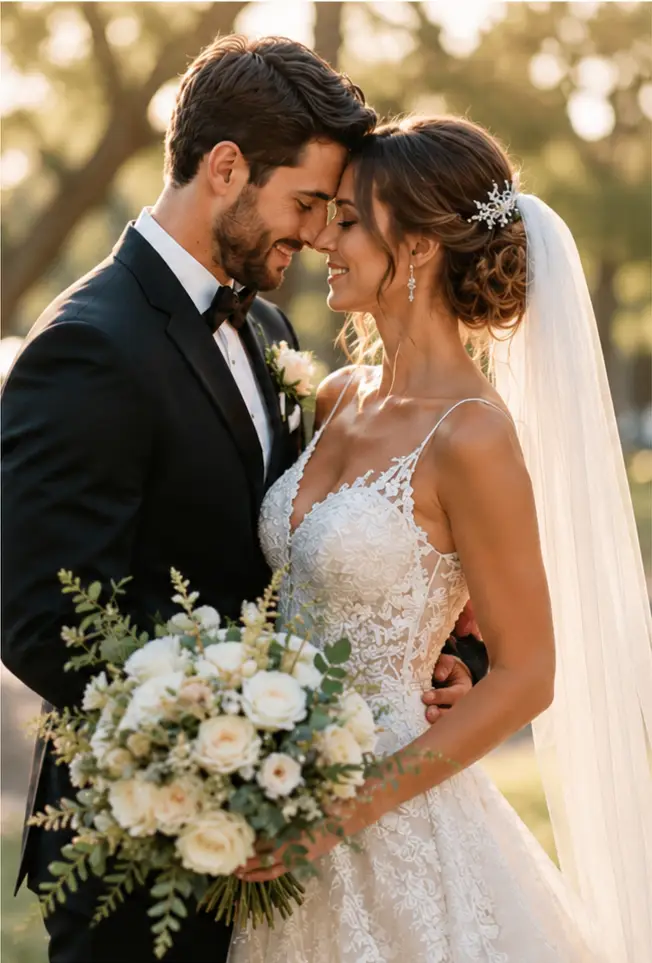
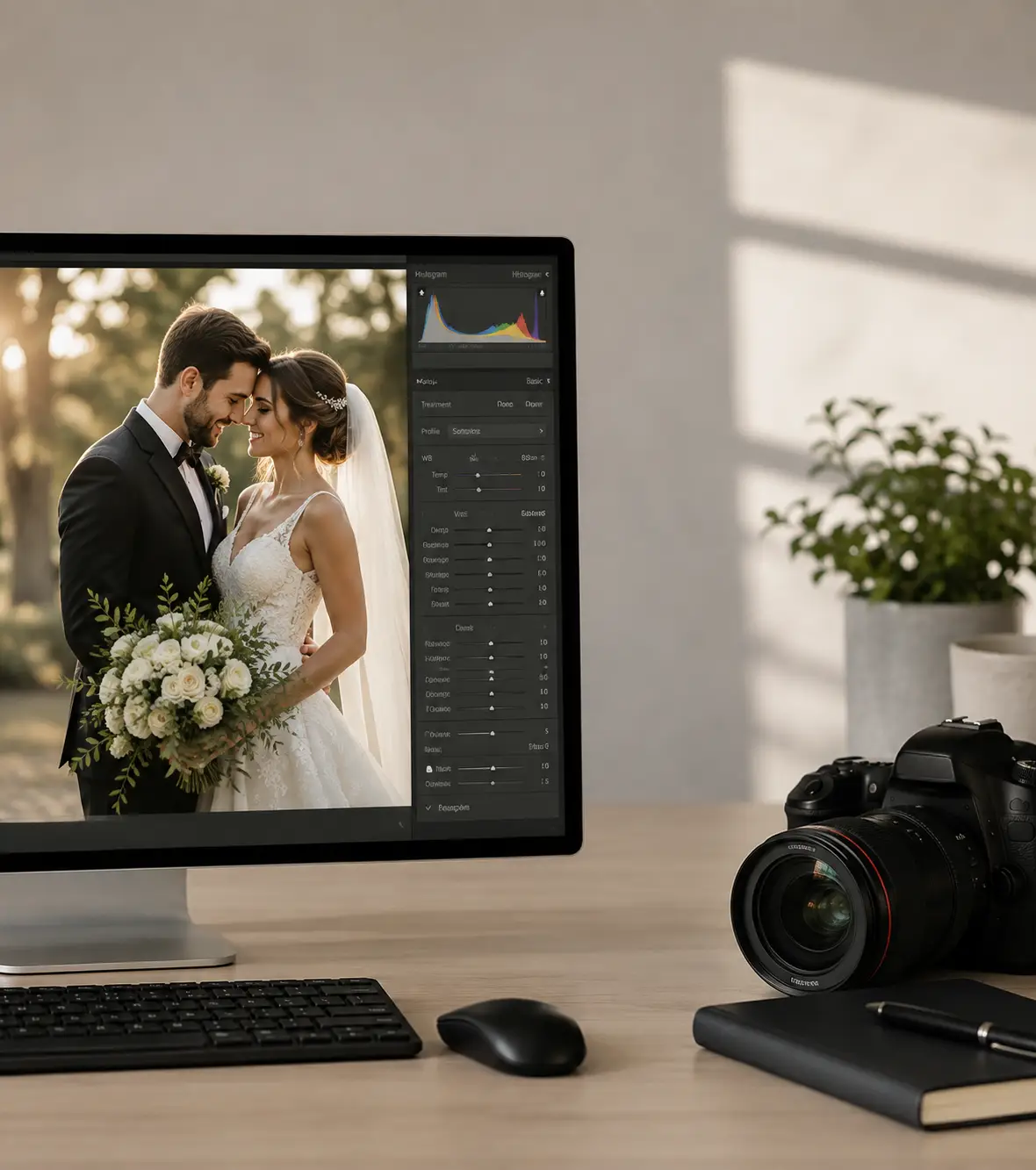
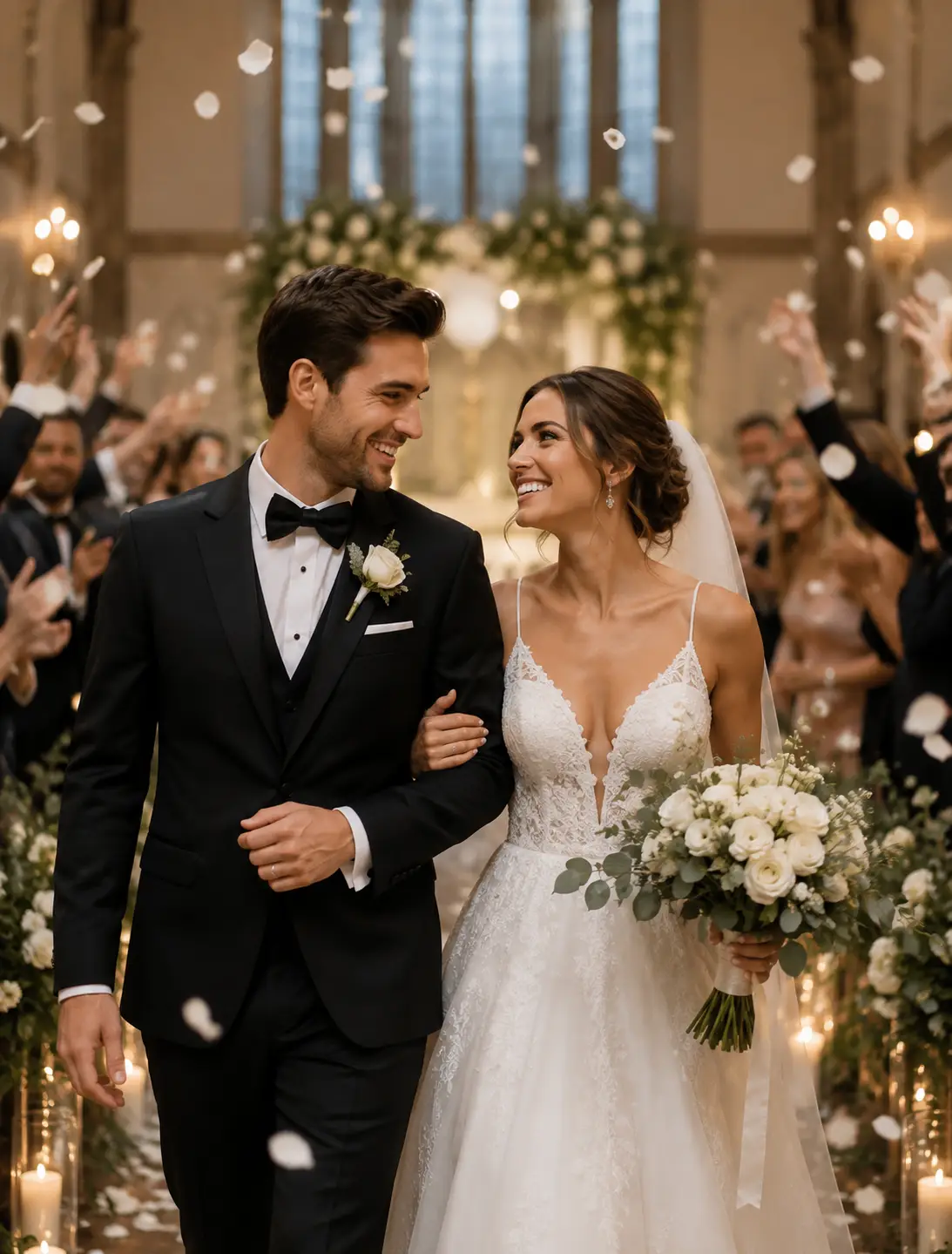
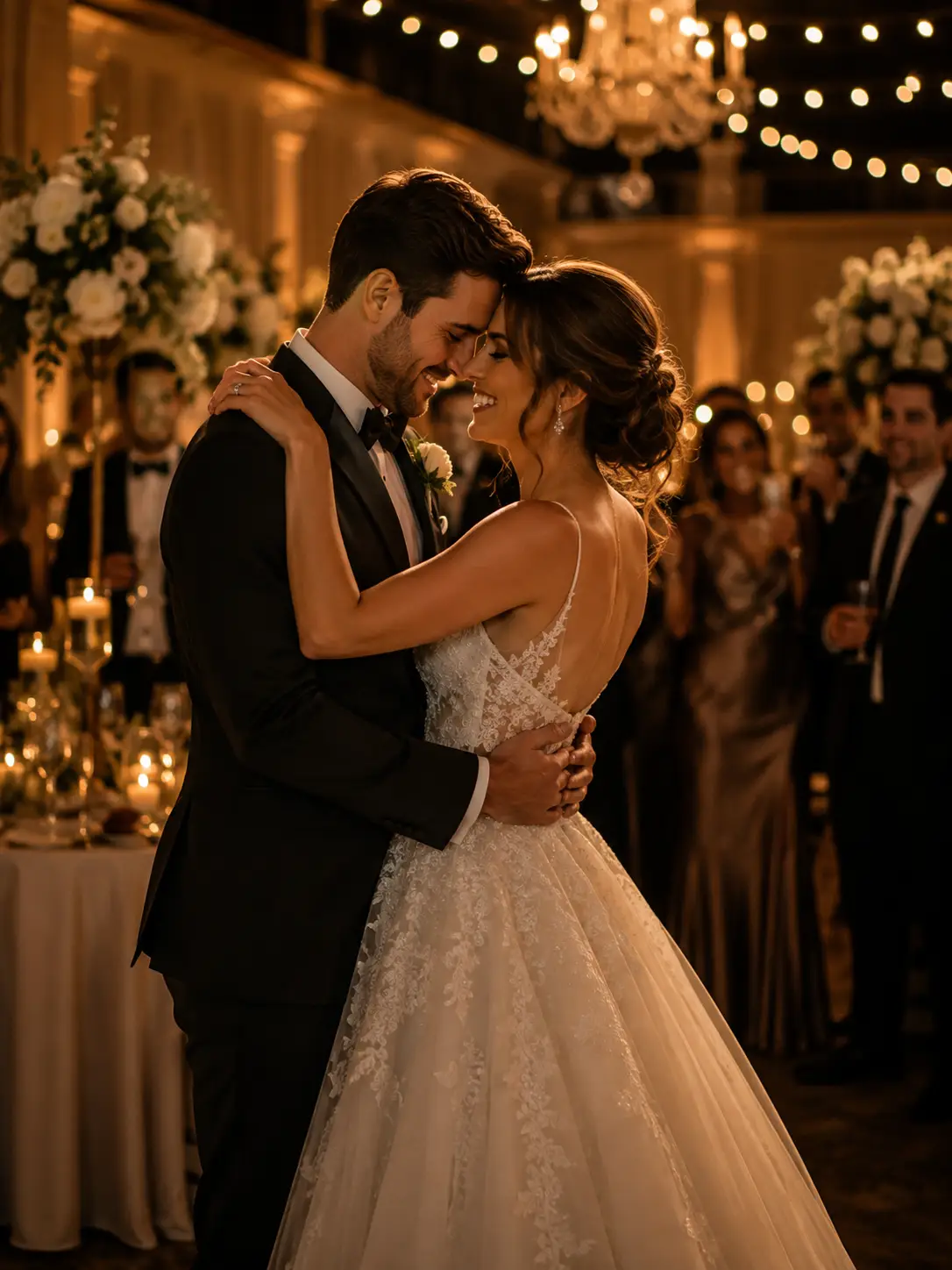
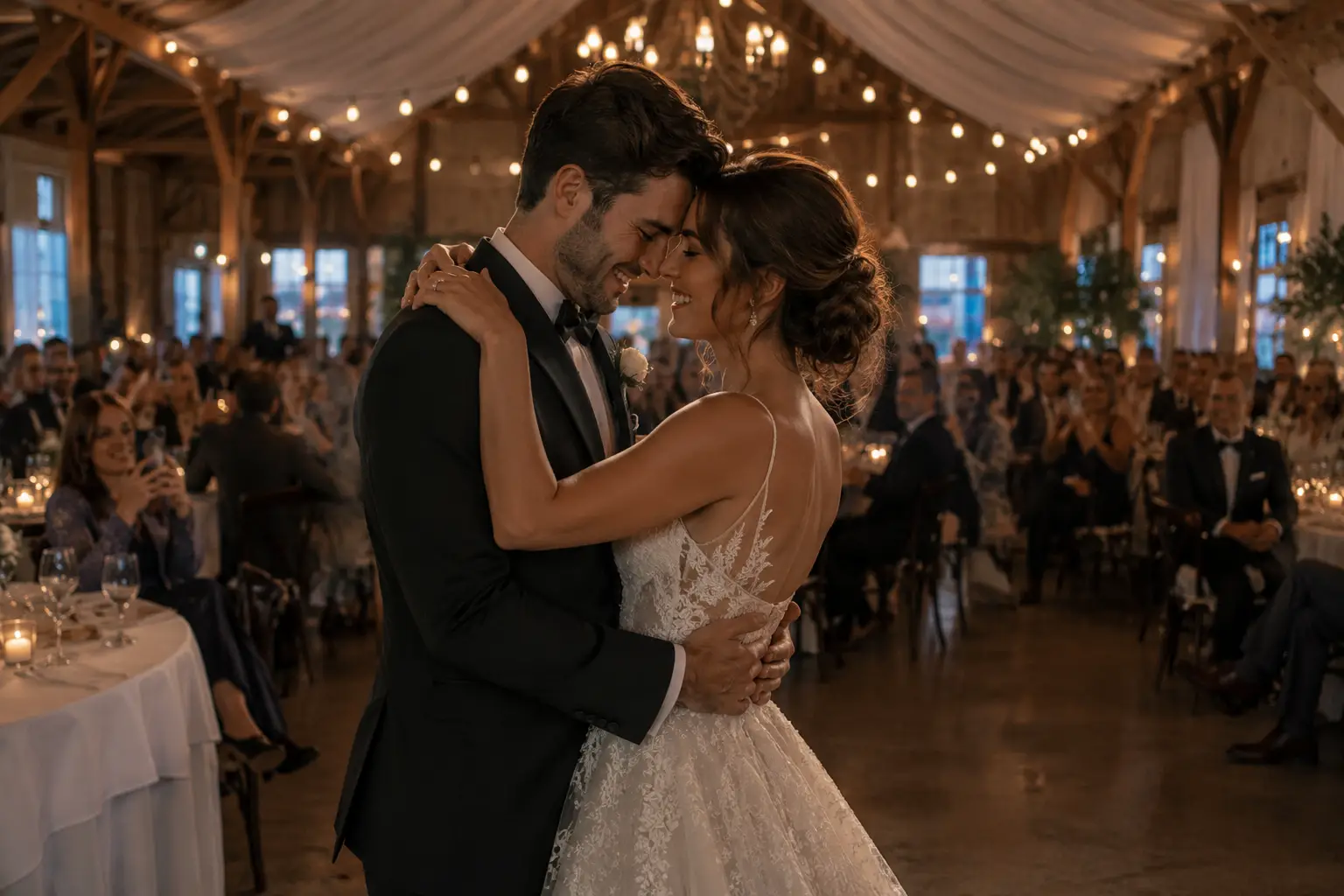
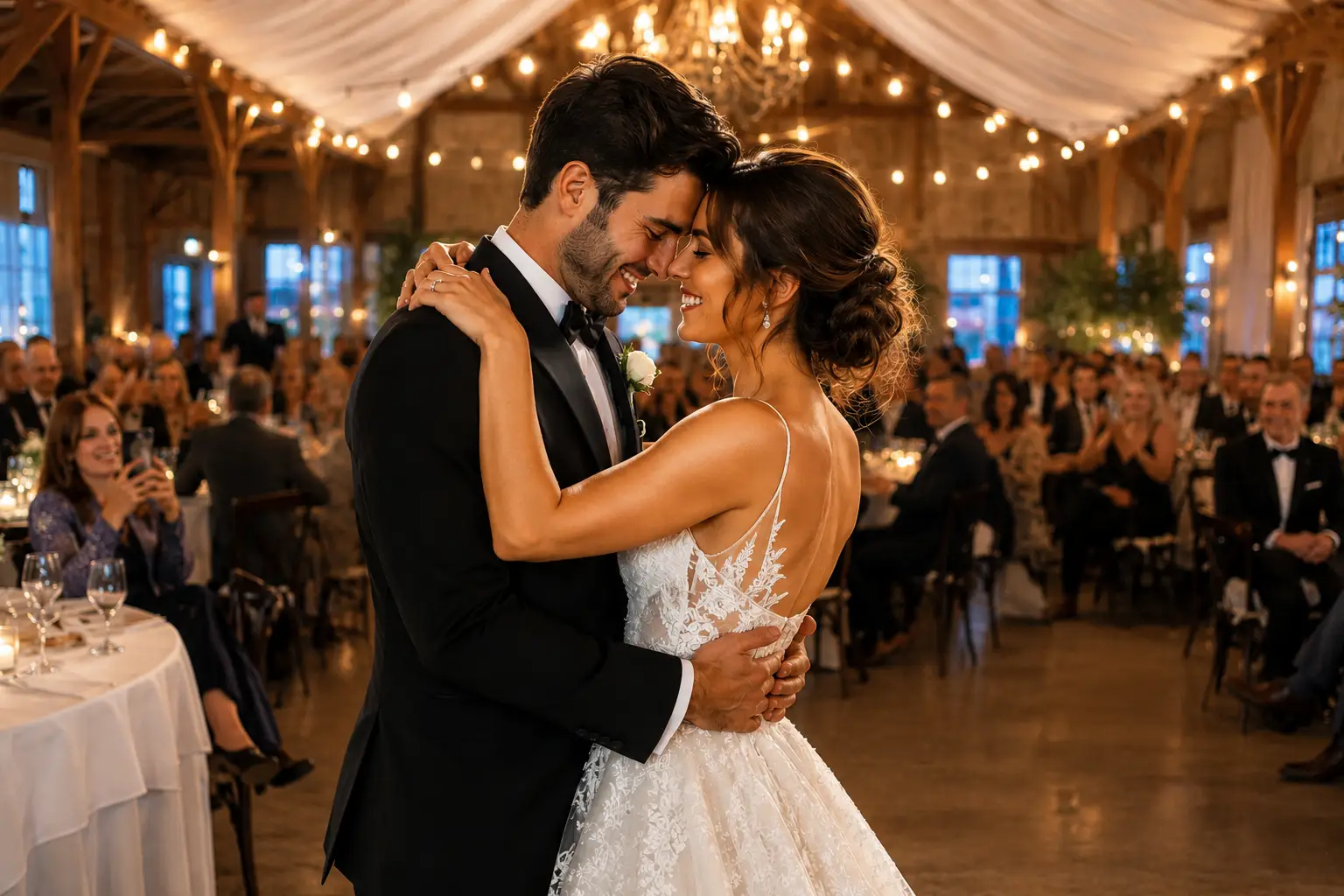
A finished wedding gallery—without losing your signature.
Vowform supports wedding photographers with culling, style matching, color correction, local adjustments, retouching, and final gallery quality control—built around the way you already edit.
Signature editing per delivered image · $110 minimum
1 round
Consolidated photo revision included
30%
Rush premium when capacity is available
WHAT VOWFORM HANDLES
From thousands of frames to one cohesive wedding story.
Choose only the stages you need, or hand off the complete photo post-production workflow. Scope, image counts, turnaround, and retouching limits are confirmed before production begins.
01 · SELECT
Wedding Culling
Reduce duplicate, technically weak, and repetitive frames while protecting the emotional and narrative coverage of the day.
Review the complete project before return so image counts, continuity, export settings, naming, and client-specific instructions align.
Includes: consistency review, file count, naming, color space, catalog or export check
YOUR STYLE IS THE BRIEF
Your preset is the starting point—not the whole brief.
Every recurring photographer receives a private Vowform Style Profile. It records the decisions that make your work recognizable, then evolves as your feedback becomes more specific.
A clear route from the first test to final delivery.
Each stage has a defined input, owner, review point, and output. That keeps questions visible and prevents the hidden scope that makes outsourcing frustrating.
01
Share References
Provide completed work, preset or profile details, selected test files, and concise notes about your preferred look.
02
Complete the Pilot
Vowform edits up to 75 selected photographs so both sides can assess visual fit before a full gallery.
03
Approve the Direction
Review the pilot, provide one consolidated set of feedback, and finalize the first version of your Style Profile.
04
Confirm Project Scope
Agree on submitted count, target final count, services, turnaround, file structure, revisions, and any retouching list.
05
Edit and Quality Check
The assigned editor follows the approved profile; the complete gallery is then reviewed for consistency and technical output.
06
Review and Deliver
Submit one consolidated photo revision round, receive the agreed catalog or exports, and update the profile for future work.
WHOLE-DAY CONSISTENCY
Built for the difficult transitions a wedding day creates.
The strongest proof is not one edited portrait. It is a complete gallery that moves naturally between changing cameras, locations, weather, ambient light, flash, and skin tones.
01 · PREPARATION & PORTRAITS
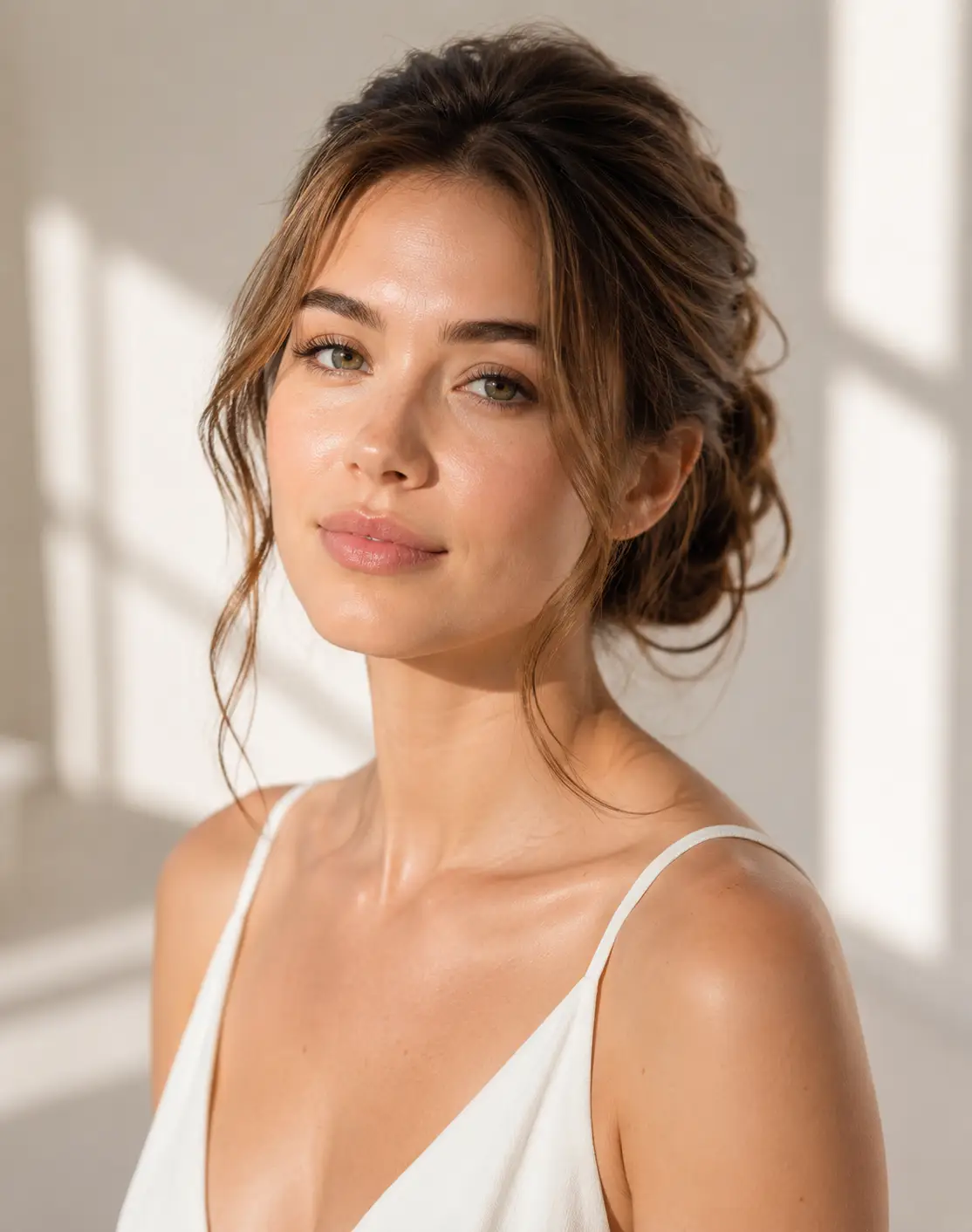
Natural light without washed-out skin
Keep whites refined, shadow detail believable, and skin luminous without flattening the atmosphere.
02 · CEREMONY & TRANSITIONS
Continuity across changing environments
Move between open shade, indoor ceremony light, backlight, and mixed cameras without visible preset drift.
03 · RECEPTION & FLASH
Mood preserved, color controlled
Correct distracting casts while keeping the warmth, contrast, and energy that made the reception feel real.
BEFORE & AFTER
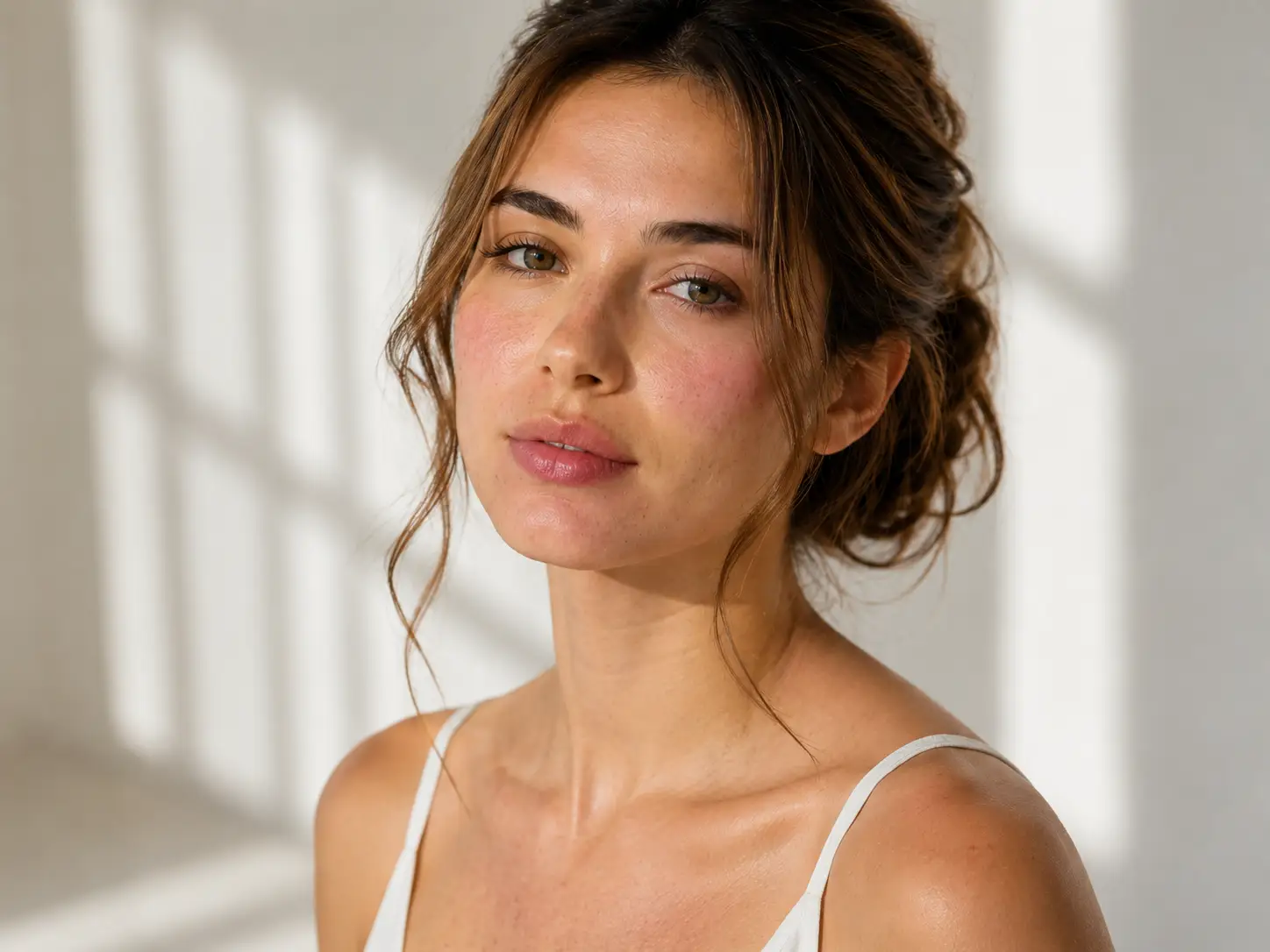
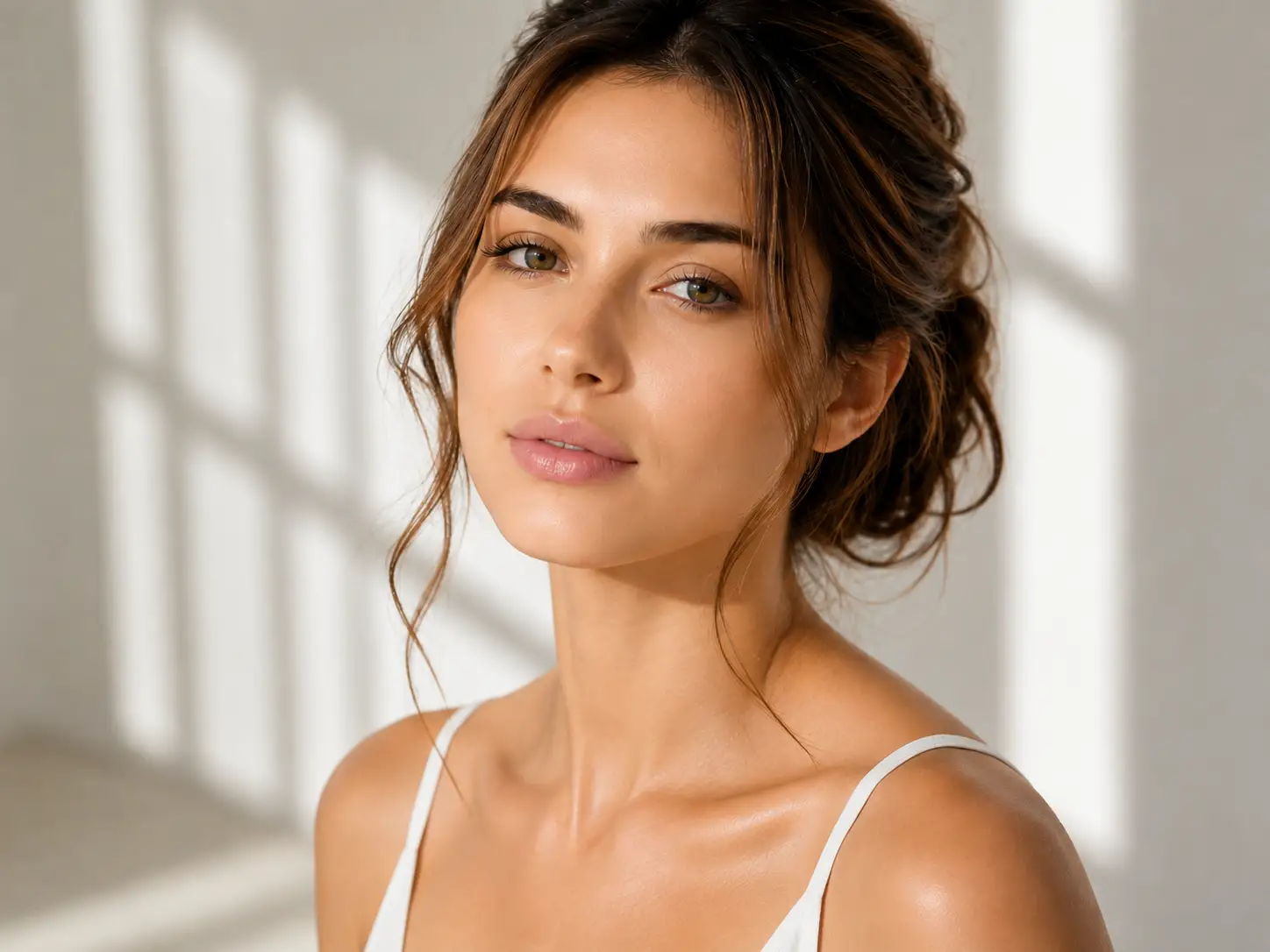
See the correction without losing the photograph.
DEMONSTRATION SLOT 01
Mixed-light skin-tone correction
BEFORE
AFTER
DEMONSTRATION SLOT 02
Reception exposure and color consistency
BEFORE
AFTER
FILES IN. FINISHED WORK OUT.
Designed to fit your existing Lightroom workflow.
Vowform confirms the transfer method, catalog structure, software version, naming, and expected return format during intake. No large wedding files are requested through the public contact form.
A common option for full-gallery workflows when the project is prepared correctly and the Lightroom version is confirmed.
Selected RAW or JPEG Files
Suitable for style pilots, sneak peeks, retouching selections, or projects that do not require a complete catalog return.
Catalog or Export Return
Receive the agreed catalog, metadata, or exported files according to the scope documented before production.
Studio Naming & Folder Rules
File naming, sequence, color space, dimensions, and folder structure can be documented for recurring studio work.
Important: Final compatibility is confirmed after reviewing the project structure. Vowform does not claim support for every catalog, plug-in, camera profile, or proprietary workflow.
PHOTO EDITING PRICING
Clear starting prices. Scope confirmed before production.
Use these rates for planning. The final quote reflects submitted count, final count, catalog condition, turnaround, local adjustments, retouching complexity, and any studio-specific requirements.
START HERE
$49
STYLE-MATCH PILOT
A small paid test designed to confirm visual fit before a full wedding gallery.
— Up to 75 selected photographs
— One consolidated feedback round
— Credited toward the first qualifying gallery
SELECT
$0.035
PER SUBMITTED IMAGE · $35 MINIMUM
Culling priced from the number of photographs received for review.
— Duplicate and expression review
— Technical exclusions
— Agreed target final count
EDIT
$0.22
PER DELIVERED IMAGE · $110 MINIMUM
Signature color editing priced from the number of finished photographs.
— Style matching
— Exposure and white balance
— Crop, straightening and gallery QC
THE $49 STYLE-MATCH PILOT
A small first project with a clear decision at the end.
The pilot is designed to answer the most important question before either side commits to a larger workflow: can Vowform edit convincingly inside your visual language?
01. Up to 75 selected photographs 02. Your preset or agreed editing starting point 03. Two or three completed gallery references 04. Camera profile and software details 05. Notes about skin tone, contrast, crop, grain, color and black-and-white treatment 06. One decision-maker for consolidated feedback
After review: approve the direction, request the included feedback round, or stop without committing to a full gallery. The $49 is credited toward the first qualifying full-gallery project.
FREQUENTLY ASKED QUESTIONS
What photographers usually ask before outsourcing.
Will the final gallery still look like my work?
That is the purpose of the pilot and Style Profile. Vowform uses your references, preset, profile choices, and feedback rather than applying one house look to every photographer.
Do you need the original RAW files?
Not always. The correct transfer method depends on the service. Full-gallery projects may use a Lightroom catalog with Smart Previews, while selected edits may use RAW or JPEG files. The workflow is confirmed before upload.
Can you work with my Lightroom catalog and preset?
Common Lightroom-based workflows can be reviewed during intake. Vowform confirms the Lightroom version, catalog structure, profiles, presets, plug-ins, and return requirements before accepting the project.
Can I order culling without editing?
Yes. Culling can be purchased separately, subject to an agreed selection brief, target final count, and treatment of duplicates, expressions, and technically imperfect but emotionally important frames.
Is retouching included in gallery editing?
Standard gallery editing covers color, exposure, crop, straightening, and agreed global corrections. Detailed Photoshop work is priced separately so the project scope remains predictable.
How many revisions are included?
One consolidated photo revision round is included unless the quote states otherwise. Additional rounds are billed separately. Recurring feedback is added to the Style Profile to improve future accuracy.
How quickly will the gallery be completed?
Turnaround depends on image counts, services, current capacity, catalog condition, and deadlines. Every accepted project receives a written delivery date. Rush service is available only when capacity allows.
Will Vowform publish my photographs?
No portfolio, social, marketing, or training use should occur without separate written permission. Client work is treated as confidential white-label production.
READY TO TEST THE MATCH?
Your next gallery can be the first test.
Start with up to 75 selected photographs, one consolidated feedback round, and a clear next step if the editing direction works.